
How it works
Orders in. Assign. Drive. Remit.
Four steps from the kitchen pass to the cash drawer. Each one is a screen your team already has open — the POS, the dispatch desk, the driver's phone.
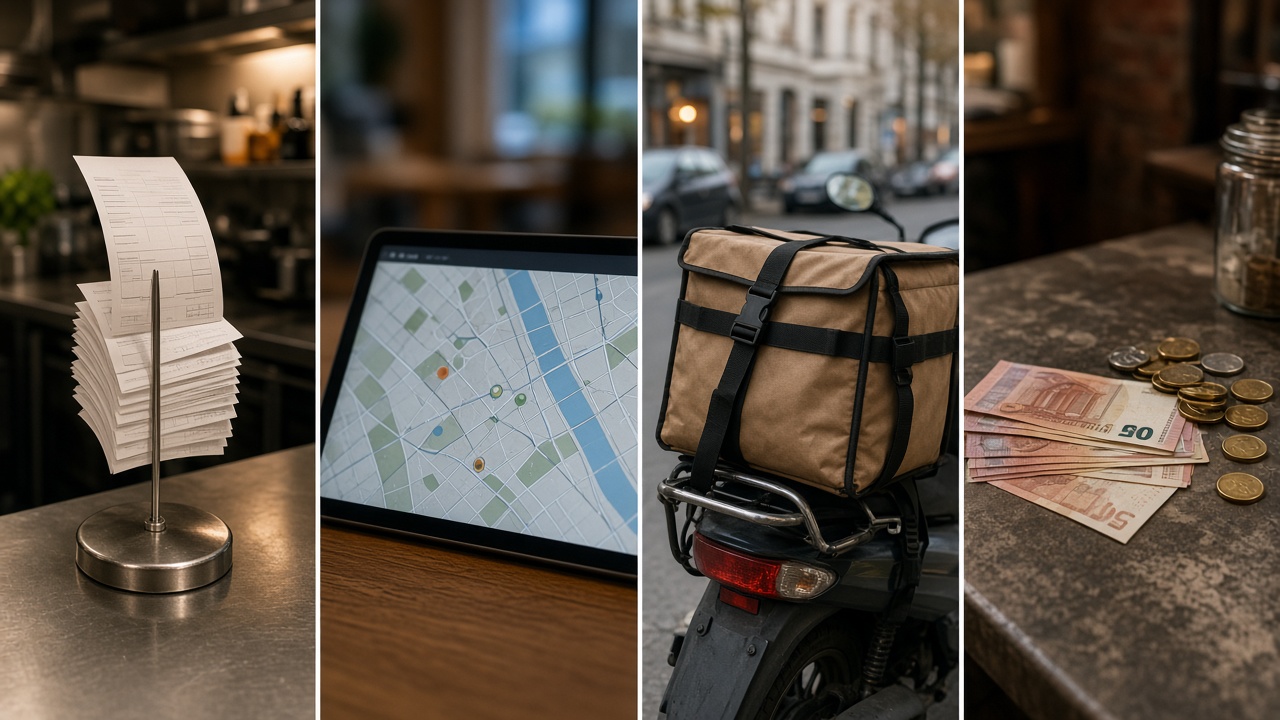
-
1
Orders in
Delivery orders arrive in the unassigned queue — from the POS connector (Orderiom first) or entered at the desk.
-
2
Assign or build a tour
One driver per solo order, or two-plus orders from the same location as a tour with a suggested, lockable stop order.
-
3
Drive
The driver picks up once, confirms every bag, delivers in sequence with Mapbox, messages the guest, takes COD and photos.
-
4
Remit
Cash collected, change float, staff consumption and the amount to hand in — per driver, per shift, with proofs.